
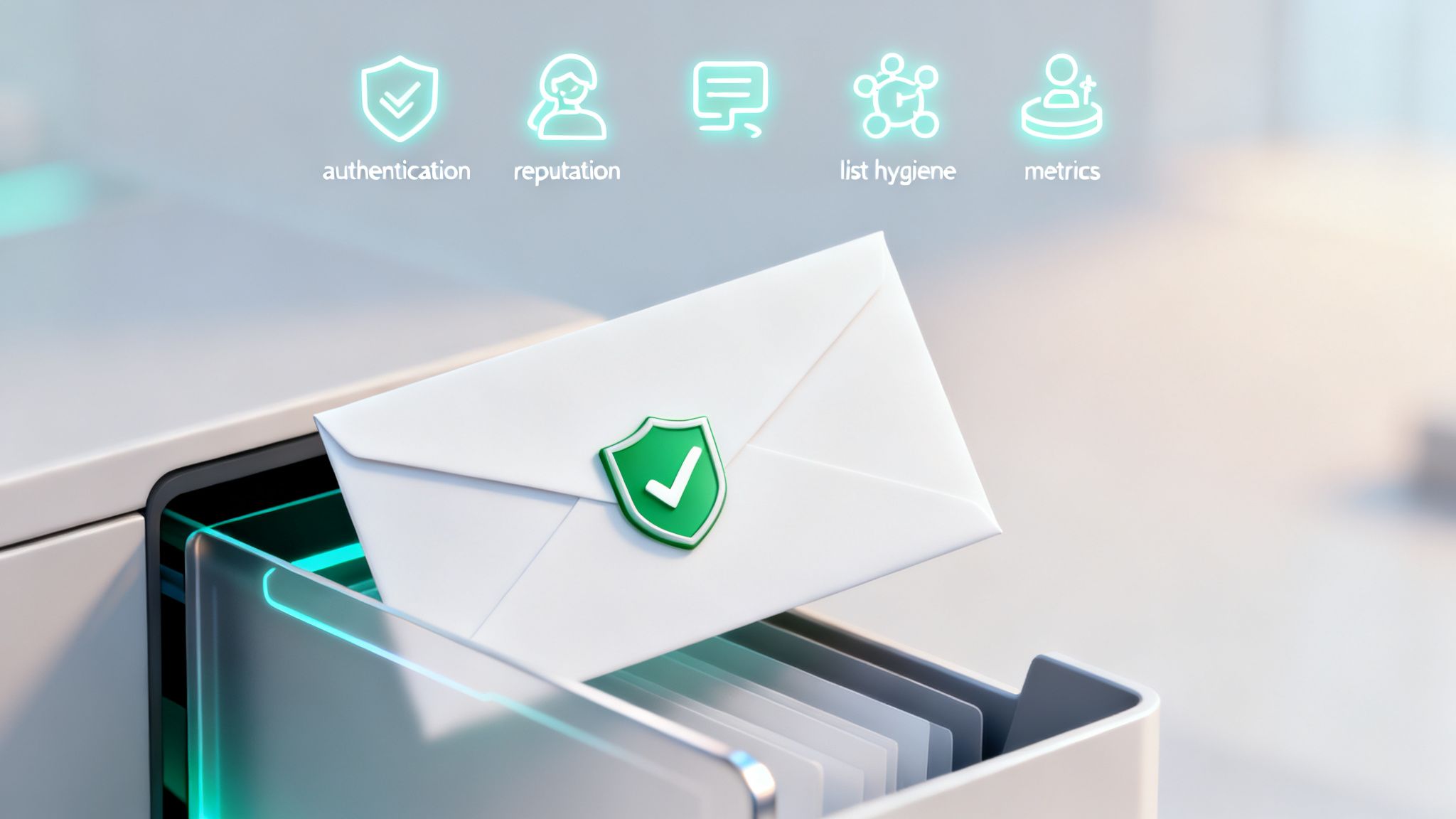
In B2B outbound, hitting the primary inbox is non-negotiable. It's the first, most critical step in generating pipeline, yet it's where most sales development teams unknowingly fail. The problem isn't just a few bounced emails; it's a systemic breakdown in sender reputation, technical authentication, and outreach strategy that gets your domain flagged. When your emails land in spam, you’re not just missing one opportunity—you’re burning entire segments of your addressable market and sabotaging future campaigns before they even start. SDRs see dismal reply rates, leaders face an unpredictable pipeline, and RevOps teams are left cleaning up the data mess.
This isn't a theoretical issue. Poor deliverability directly impacts revenue. It means wasted effort on personalized messages that are never seen and a domain reputation that becomes progressively harder to repair. For high-growth teams trying to scale, this bottleneck can stall momentum entirely, making it impossible to build a predictable GTM engine. The good news is that inbox placement isn't a matter of luck; it's a science.
This guide provides a playbook of the essential email deliverability best practices that top-performing B2B teams use to secure their spot in the inbox. We'll cover everything from foundational technical setups like SPF, DKIM, and DMARC to strategic workflows for list hygiene, sender reputation management, and cadence optimization. These aren't just abstract tips; they are actionable steps to protect your sending infrastructure, ensure your messages get read, and build a scalable system for generating qualified meetings.
1. SPF (Sender Policy Framework) Implementation
Think of Sender Policy Framework (SPF) as the digital bouncer for your email domain. It’s a critical email authentication protocol that tells recipient servers, like Gmail or Microsoft Outlook, which mail servers are authorized to send emails on your behalf. By publishing a specific DNS record, you create an approved list of senders, preventing unauthorized use of your domain and protecting your brand's reputation.
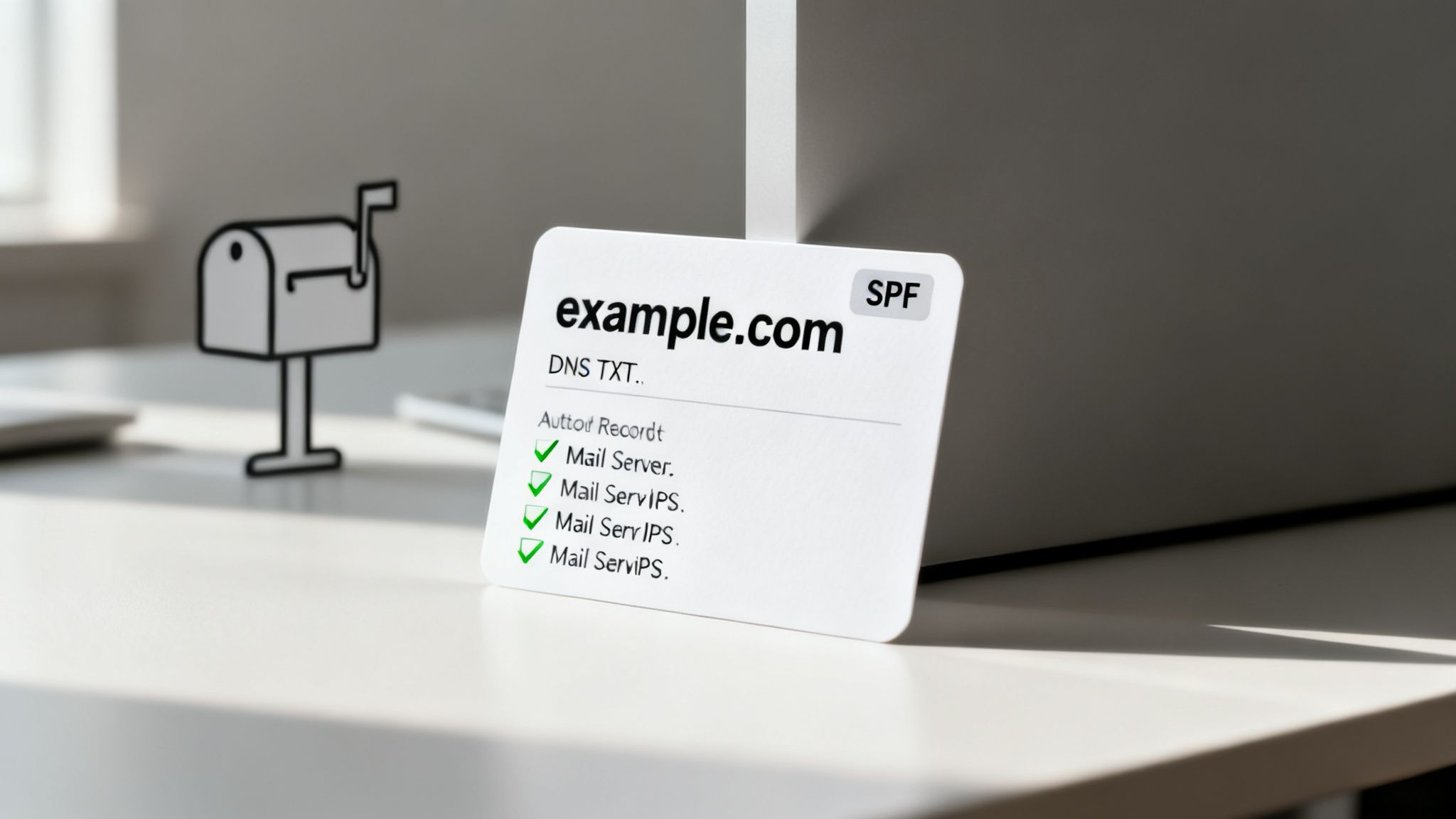
For high-volume B2B outbound teams, a properly configured SPF record is non-negotiable. Without it, your carefully crafted outreach is far more likely to be flagged as suspicious and routed directly to the spam folder, tanking your reply rates before a prospect ever sees your message. This is a foundational step in building a trustworthy sender reputation and is a core component of modern email deliverability best practices.
How to Implement SPF Correctly
Configuring SPF involves adding a TXT record to your domain's DNS settings. This single line of text lists all the services you use to send email, from your outbound platform to your CRM.
- Create a Comprehensive Record: Your SPF record must include every service that sends email for your domain. This includes your primary email provider (e.g., Google Workspace, Microsoft 365) and any third-party tools like your sales engagement platform. A basic record looks like this:
v=spf1 include:_spf.google.com include:sendgrid.net ~all - Validate Before Launching: Never assume your record is correct. Use a free online tool like MXToolbox to test your SPF configuration before sending any campaigns. This check ensures your syntax is valid and all sending sources are recognized, preventing a simple typo from derailing your outreach.
- Manage the 10-Lookup Limit: SPF has a hard limit of 10 DNS lookups. If your record exceeds this, it will fail validation. To avoid this, consolidate sending services or use an SPF flattening tool to combine multiple records into one.
- Choose Your Policy: The record ends with an
allmechanism.~all(soft fail) suggests that unlisted senders should be treated with suspicion, while-all(hard fail) instructs servers to reject them outright. Start with~alland consider moving to-allonce you are confident all legitimate senders are included.
2. DKIM (DomainKeys Identified Mail) Signing
Think of DKIM as the tamper-proof digital seal on your emails. It’s an essential email authentication method that uses a cryptographic signature to verify that your message hasn't been altered in transit and that it genuinely originates from your domain. This process ensures that the email a recipient receives is the exact one you sent, building a critical layer of trust with internet service providers (ISPs).
For ambitious B2B sales teams using platforms like Willbe to scale outbound, enabling DKIM is a non-negotiable step. Without it, receiving servers have no way to verify your message's integrity, making it far more likely to be flagged as suspicious or routed to spam. Properly configured DKIM is a cornerstone of modern email deliverability best practices, directly impacting your sender reputation and campaign success.
How to Implement DKIM Correctly
Setting up DKIM involves generating a pair of cryptographic keys (one private, one public) and publishing the public key as a TXT record in your domain's DNS. Your email server signs outgoing messages with the private key, and recipient servers use the public key to verify the signature.
- Generate and Publish Your Key: Your email provider or sending platform (e.g., Google Workspace, Microsoft 365, or a platform like Willbe) will generate the DKIM key for you. You then need to copy the provided TXT record and add it to your domain's DNS settings.
- Use a Unique Selector: The DKIM record includes a "selector," which is just a name to identify the key. Use a clear naming convention like
selector1,google, or a date-based one likeq2-2026. This is especially important if you use multiple sending services, as it helps RevOps teams manage the GTM stack. - Verify Your Signature: Once the DNS record has propagated, use a validation tool to send a test email and confirm the signature is passing. This simple check prevents entire campaigns from failing due to a minor configuration error.
- Rotate Keys for Security: For enhanced security, make it a practice to generate and implement new DKIM keys every six to twelve months. This limits the window of exposure if a key were ever compromised and signals good security hygiene to ISPs.
3. DMARC (Domain-based Message Authentication, Reporting and Conformance) Policy
Think of DMARC as the final word in your email security policy—the enforcer that leverages SPF and DKIM. It’s an email authentication protocol that instructs recipient mail servers on exactly how to handle emails that fail SPF or DKIM checks. By publishing a DMARC policy in your DNS, you tell servers to either monitor, quarantine, or outright reject unauthorized messages, effectively locking down your domain against spoofing and phishing attacks.
For B2B outbound teams, DMARC is the ultimate safeguard for brand reputation. It ensures that only your legitimate, authenticated outreach reaches your prospects' inboxes, providing invaluable visibility into your email channel's health and unauthorized activity. Implementing DMARC is a critical step in demonstrating to major inbox providers like Google and Microsoft that you are a responsible sender, which is a cornerstone of modern email deliverability best practices.
How to Implement DMARC Correctly
Implementing DMARC is a phased process that begins with monitoring and gradually moves to enforcement. This careful rollout prevents you from accidentally blocking legitimate email from your own sales tools.
- Start in Monitoring Mode: Begin with a
p=nonepolicy. This policy tells receiving servers not to take any action against failing emails but to send you reports on all email activity for your domain. Your initial record will look like this:v=DMARC1; p=none; rua=mailto:dmarc-reports@yourdomain.com - Analyze Your Reports: For the next 30-60 days, use the aggregate reports sent to your specified email address to identify all legitimate sending sources. DMARC monitoring tools can help visualize this data. Your goal is to ensure all your platforms (e.g., Google Workspace, Salesforce, your sales engagement platform) are properly configured with SPF and DKIM.
- Gradually Increase Enforcement: Once you see that nearly all legitimate mail (95%+) is passing authentication checks, you can move to
p=quarantine. This policy sends unauthenticated mail to the spam folder. After another period of monitoring, you can escalate top=reject, which instructs servers to block unauthenticated mail entirely. - Set Your Alignment Policy: DMARC checks if the domain in the "From" header aligns with the domains in the SPF and DKIM records. The default is
relaxed, which is sufficient for most setups. Astrictpolicy requires an exact match, which can be difficult to manage with third-party senders.
4. List Segmentation and Hygiene Practices
Treating your entire prospect list as a single entity is a direct path to poor engagement and a damaged sender reputation. List segmentation is the practice of dividing your database into smaller, targeted groups based on shared traits like industry, company size, or buying intent. Paired with strict list hygiene—which involves systematically removing invalid and unengaged contacts—it becomes a powerful engine for relevance and deliverability.
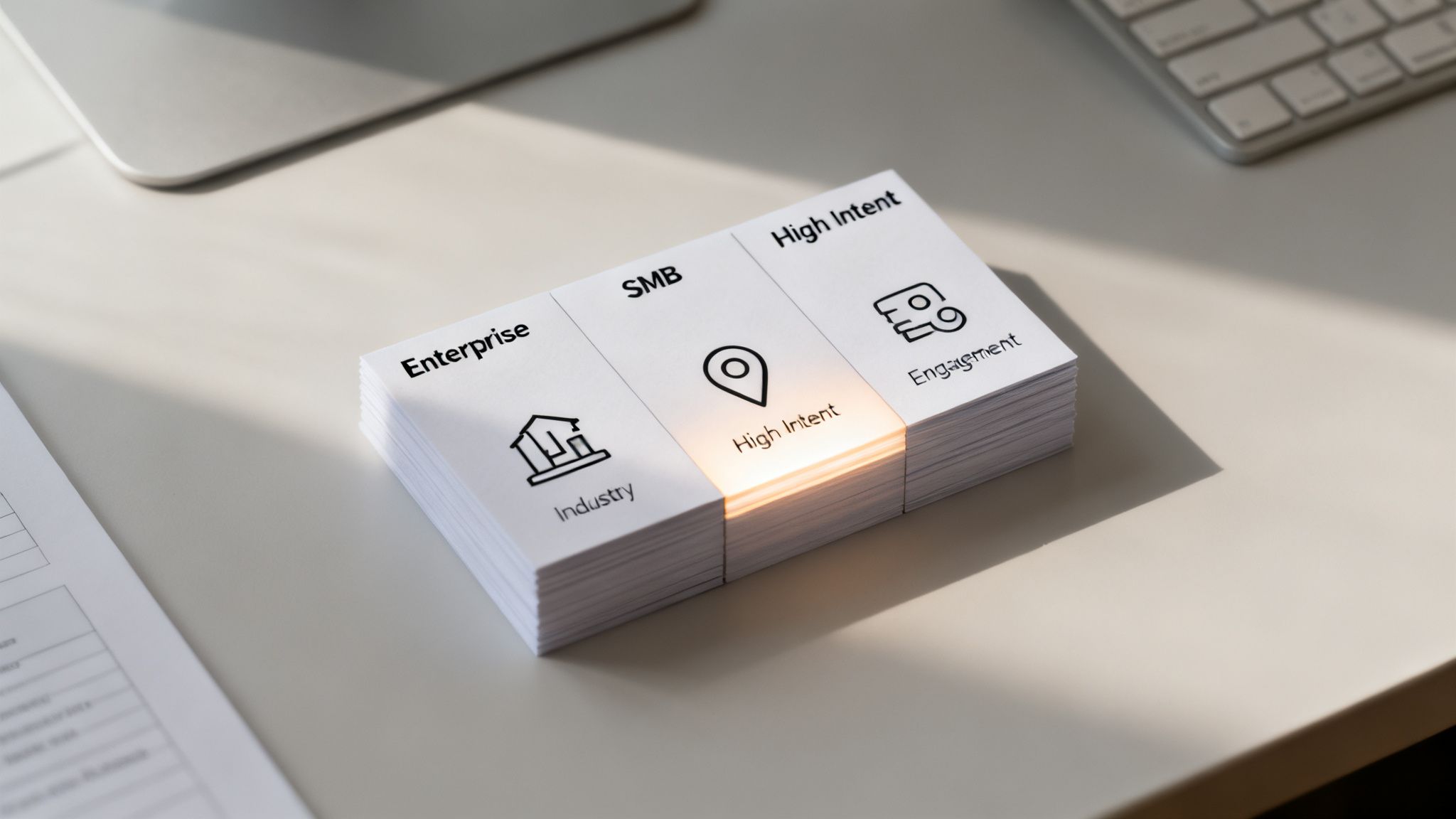
For modern B2B outbound teams, this isn't just a "nice-to-have"; it's a core operational discipline. Sending a generic message to an unverified list guarantees high bounce rates and spam complaints, signaling to mailbox providers that you're a low-quality sender. By segmenting and cleaning your lists, you ensure your personalized messages reach the right inboxes, a cornerstone of effective email deliverability best practices.
How to Implement List Segmentation and Hygiene
Effective list management combines strategic grouping with disciplined data maintenance. This process prevents list decay and maximizes the impact of every email you send.
- Validate Every Contact Before Outreach: Never send to an unverified email. Use a multi-source validation process with tools to check contacts before they enter a sequence. This single step dramatically reduces hard bounces that harm your sender reputation.
- Segment by Persona and Intent: Go beyond firmographics. Create distinct lists for different buyer personas (e.g., VPs of Sales vs. RevOps Directors) and intent levels. Platforms like Willbe, with advanced filters across 30+ data sources, allow you to isolate high-intent prospects for more targeted outreach.
- Implement a Strict Hygiene Cadence: Immediately remove any contact that results in a hard bounce. For soft bounces, re-validate them before attempting outreach again. Proactively build a suppression list for contacts who haven't opened an email in over 90 days to protect your sender score.
- Monitor Performance by Segment: Track key metrics like bounce rates and reply rates for each segment. Aim for a hard bounce rate below 3% per list. If a specific segment underperforms, pause outreach to it and re-evaluate its data quality and messaging.
5. Sender Reputation Monitoring and IP Rotation
Your sender reputation is the credit score for your email domain, assigned by Internet Service Providers (ISPs) like Gmail and Microsoft. This score dictates whether your emails land in the inbox or are exiled to spam. It's calculated based on your bounce rates, complaint rates, engagement, and overall sending history, making it the bedrock of consistent inbox placement for any high-volume outbound team.
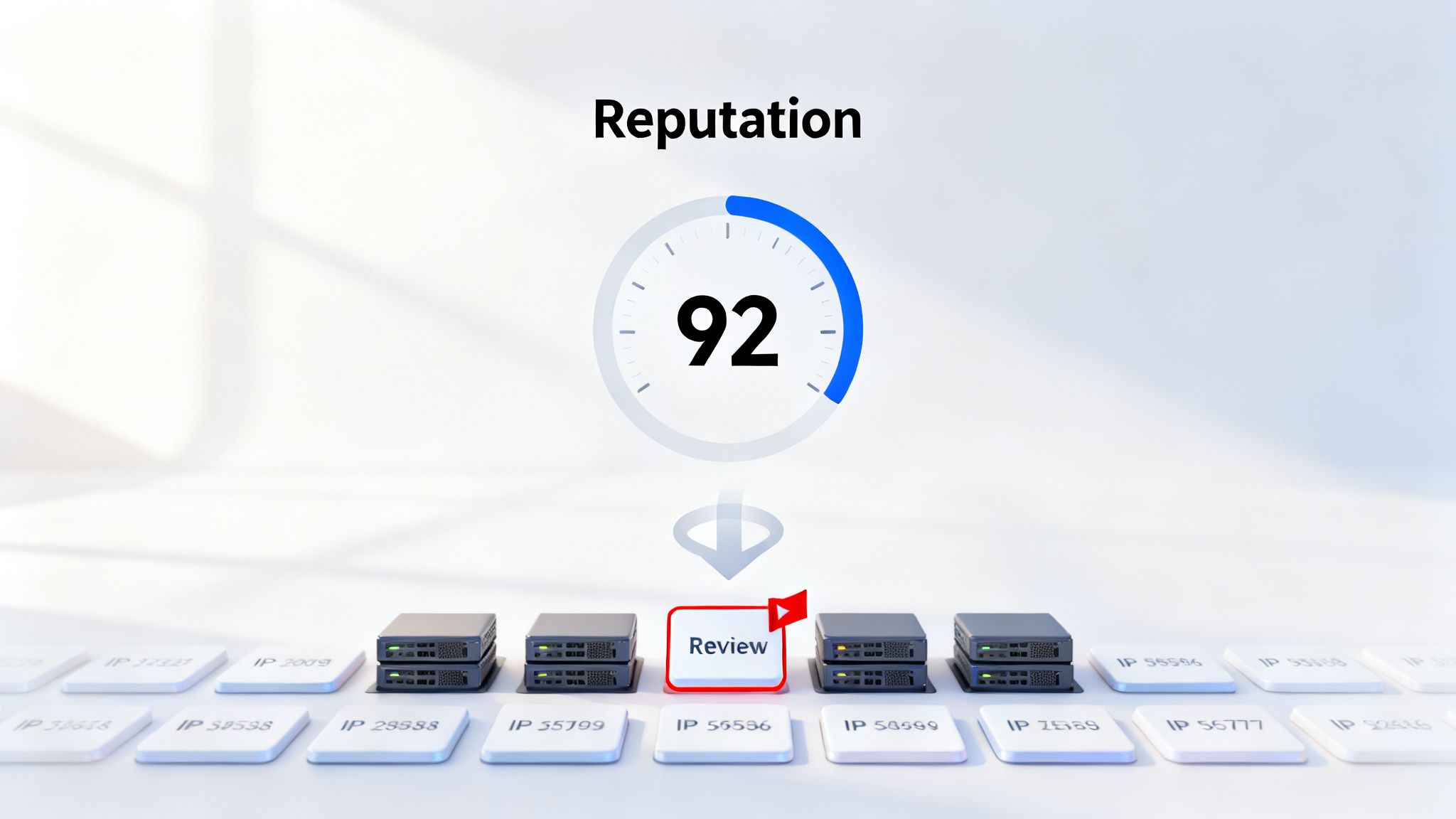
For B2B outbound teams, actively monitoring this reputation is non-negotiable. A sudden drop can halt your pipeline overnight. This is why a proactive strategy, including IP rotation (distributing send volume across multiple IPs), is one of the most critical email deliverability best practices. It isolates risk, ensuring one SDR's poor list hygiene doesn't torpedo the deliverability of the entire organization.
How to Implement Sender Reputation Monitoring and IP Rotation
This process combines proactive tracking with strategic infrastructure management. By using specialized tools and adhering to strict operational protocols, you can protect and improve your domain's sending authority.
- Track Reputation in Real-Time: Use dedicated monitoring tools to get real-time visibility into your reputation scores. Don't wait for bounce rates to spike; check your domain and IP health daily against major blacklists like SORBS and Spamhaus.
- Establish Clear Thresholds: Define what "good" looks like and set alerts for when metrics fall below your baseline. Aim for a hard bounce rate under 3% and a complaint rate below 0.1% per IP. If an IP's reputation score drops below 80, it should trigger an immediate investigation.
- Warm Up New IPs Methodically: Never send high volume from a new IP on day one. Start with 50-100 emails and gradually double the volume every 2-3 days over several weeks. This slow ramp-up builds trust with ISPs and establishes a positive sending history.
- Segment Senders by IP: Isolate different outbound functions to different IPs. For example, assign one dedicated IP to your SDR team, another to your marketing automation platform, and a third for transactional emails. This way, a campaign issue with one team doesn't impact others.
6. Engagement-Based Re-engagement Campaigns and Win-Back Sequences
Think of your email list not as a static asset but as a living database that requires regular maintenance. Over time, even the most qualified contacts can go cold. Sending emails to disengaged recipients hurts your sender reputation, as low open rates and high bounce rates signal to mailbox providers that your content isn't valuable. Re-engagement and win-back campaigns are your strategic tools for managing this natural list decay.
These targeted sequences identify inactive subscribers and give them a final chance to confirm their interest before you responsibly remove them. For B2B outbound teams, this isn't about losing leads; it's about protecting your domain's health and focusing resources on prospects who are actually listening. This proactive list management is a cornerstone of modern email deliverability best practices, ensuring your messages reach genuinely interested buyers.
How to Implement Re-engagement Campaigns Correctly
A successful re-engagement strategy is methodical, respectful, and automated. It cleans your list while recovering a surprising number of once-valuable contacts, turning potential deliverability risks into renewed opportunities.
- Define Your Inactivity Trigger: Set a clear rule for what "inactive" means. A common and effective threshold is 60-90 days of zero engagement (no opens or clicks). This prevents you from acting too soon but stops you from damaging your reputation by emailing dormant addresses for too long.
- Create a Multi-Step Sequence: A single "we miss you" email is rarely enough. Design a short, 2-3 email sequence. The first asks for a simple confirmation to stay subscribed, the second offers a piece of high-value content, and the final one is a transparent "goodbye" notice, informing them they will be removed.
- Write Clear, Direct Subject Lines: Don't be clever or vague. Use direct subject lines like, "Is this goodbye?" or "Still interested?" Clarity is key to prompting a response from someone who has been ignoring your previous emails. For a deeper dive into crafting effective messages for silent prospects, explore our guide on how to follow up on a no-response email.
- Honor the Outcome: The rule is simple: if a contact doesn't engage with the win-back sequence, suppress them from future mailings. This disciplined approach is non-negotiable for maintaining high sender scores and ensuring your primary outreach campaigns land in the inbox.
7. Template Customization and Avoiding Spam Trigger Words
Think of your email content as the final checkpoint before reaching the inbox. Spam filters are sophisticated text-analysis engines trained to spot patterns, words, and formatting common in unsolicited or malicious emails. Overly aggressive sales language, certain keywords, and sloppy formatting can all raise red flags, diverting your outreach to the spam folder regardless of your technical setup.
For B2B outbound teams, the challenge is balancing persuasive copy with the need to avoid these triggers. The most advanced strategy moves beyond simply avoiding a list of "bad" words and focuses on generating genuinely personalized, non-templated content. AI-driven platforms like Willbe excel here by creating human-like copy that naturally bypasses filters, a key component of modern email deliverability best practices. This approach ensures your message is not only delivered but also read.
How to Optimize Content for Deliverability
Effective content optimization involves a shift in mindset from "what can I get away with?" to "how can I sound genuinely human and helpful?" This means paying close attention to both the words you use and the way you present them.
- Avoid Common Spam Trigger Words: While context matters, certain words are consistently flagged. Steer clear of hype-filled terms like 'free', 'guarantee', 'act now', 'limited time', 'winner', and 'cash'. Replace aggressive calls-to-action with softer, value-oriented language.
- Generate Non-Templated Copy: The ultimate goal is to make every email unique. Instead of just swapping out
{{firstName}}, use AI orchestration platforms to generate entire paragraphs based on prospect-specific data points. This inherently avoids the repetitive patterns that filters detect. Willbe’s proprietary, template-free AI is designed to sound like the user, not generic AI copy, so prospects feel genuinely understood. - Mind Your Formatting and Links: Keep your email clean and professional. Avoid using ALL CAPS, excessive exclamation points, or colorful fonts. Limit the number of links in your email body to one or two, as too many can appear spammy.
- Test Your Copy Rigorously: Before launching a large-scale campaign, run your email copy through a testing tool like Mail-Tester. These services provide a spam score and highlight specific elements that could hurt your deliverability, allowing you to make adjustments proactively. For more advanced insights, explore our guide on cold email best practices.
8. CRM Sync and Suppression List Management
Think of your CRM and sending platforms as a synchronized orchestra. If one section is playing off-key—like emailing a contact who has unsubscribed—the entire performance suffers. CRM sync and suppression list management is the practice of ensuring that do-not-contact lists (unsubscribes, bounces, complaints) are universally updated across all your sales and marketing tools in real-time. This prevents your team from accidentally re-engaging contacts who have opted out, a critical mistake that can severely damage your sender reputation.
For B2B teams scaling their outbound efforts, this synchronization is not just a convenience; it's a foundational pillar of deliverability. Sending a follow-up to someone who just unsubscribed or a bounced address that was flagged last week signals to inbox providers that your sending practices are sloppy. This directly impacts your ability to land in the inbox and is a core component of modern email deliverability best practices, ensuring every part of your GTM engine operates from a single source of truth.
How to Implement CRM Sync and Suppression Correctly
Properly managing suppression lists involves creating automated workflows that sync data between your CRM (like Salesforce or HubSpot) and your engagement platforms. This creates a protective barrier for your domain's health.
- Establish a Master Suppression List: Create a dedicated field in your CRM (e.g., a checkbox in Salesforce for "Unsubscribed from All Sends") that serves as the ultimate source of truth. All sending tools should read from and write to this central field.
- Automate Data Syncs: Use native integrations or workflow automation tools to ensure that when a contact unsubscribes, bounces, or complains in one platform, their status is updated in the CRM within minutes. For instance, platforms like Willbe automatically sync suppression data to connected CRMs to prevent accidental resends.
- Implement Bounce and Complaint Workflows: Set up rules in your CRM to automatically suppress contacts after a single hard bounce. Process complaint feedback loops (FBLs) with urgency, immediately adding those contacts to your master suppression list.
- Train Your Team on Protocol: Educate your entire sales team that suppression lists are non-negotiable. There should be a strict "no manual removal" policy. Instead of deleting suppressed contacts, archive them to maintain historical data for compliance and analysis.
9. Cadence Optimization and Send Time Personalization
Email cadence is the blueprint for your outreach, defining the frequency and timing of your messages. A well-optimized cadence strikes a delicate balance, providing enough touchpoints to secure a meeting without overwhelming prospects and triggering spam complaints. By personalizing send times to match when your recipients are most active, you can significantly boost open and reply rates, ensuring your messages land at the perfect moment.
For B2B sales teams running multi-touch sequences, cadence discipline is a core component of effective email deliverability best practices. An overly aggressive or poorly timed sequence can quickly annoy prospects, leading to unsubscribes and spam complaints that directly harm your sender reputation. A thoughtful cadence, however, feels helpful and persistent, driving engagement while protecting your domain's standing with inbox providers.
How to Implement Cadence and Timing Correctly
Optimizing your cadence involves a strategic mix of timing, channel diversity, and data-driven adjustments. This ensures your outreach feels relevant and respects the prospect's inbox.
- Establish a Baseline Cadence: Start with a proven framework. A multi-channel sequence of 6-8 touches (e.g., three emails, two LinkedIn interactions, and a call) over 2-4 weeks often yields high reply rates. For a pure email approach, begin with a three-email sequence spread across 10-14 days.
- Personalize Send Times: Avoid blasting emails at random times. Research shows that sending messages between 9 AM and 11 AM in the prospect's local time zone on Tuesdays, Wednesdays, and Thursdays can increase open rates. Use tools that automate this timezone-aware sending.
- Space Your Touches Intelligently: Give your messages room to breathe. Maintain a minimum of 2-3 days between touches for cold outreach. Use engagement signals to guide your timing; if a prospect opens an email, follow up within 48 hours. If there's no engagement, wait 4-5 days before the next step.
- A/B Test and Iterate: Your initial cadence is just a starting point. Continuously test variables like the number of touches, the delay between steps, and the time of day. Use the performance data from your sales platform to refine your approach and find what works best for your specific audience. To learn more about building and refining your sequences, explore these sales cadence best practices.
10. Feedback Loop (FBL) Setup and Complaint Monitoring
Think of a Feedback Loop (FBL) as your direct line to a recipient’s inbox provider. It’s a crucial service offered by major ISPs like Gmail and Microsoft that sends you an alert whenever a recipient marks one of your emails as spam. This mechanism allows you to immediately understand when your messaging isn't landing well, giving you the power to act before widespread complaints destroy your sender reputation.
For B2B outbound teams, monitoring FBL data is a non-negotiable part of scaling outreach responsibly. Ignoring spam complaints is one of the fastest ways to get your domain blacklisted, rendering your entire prospecting engine useless. Properly managing FBLs is a core tenet of modern email deliverability best practices, turning negative feedback into a proactive tool for list hygiene and message refinement.
How to Implement FBLs Correctly
Setting up and managing FBLs involves registering with major ISPs and establishing a clear process for handling the data you receive. Most modern sales platforms and email service providers automate much of this, but understanding the mechanics is vital.
- Register with Major ISPs: Proactively sign up for the FBL programs of the major mailbox providers. Key programs include Google's Gmail FBL and Microsoft's Junk Mail Reporting Program (JMRP).
- Process Complaints Immediately: Time is critical. When you receive a complaint notification, that recipient must be suppressed from all future outreach within 24 hours, ideally instantly. Continuing to email someone who has complained is a serious breach of best practices.
- Monitor Your Complaint Rate: Keep a close eye on your complaint rate, which should always remain below 0.1%. If you see it approaching or exceeding this threshold, immediately pause your campaigns and investigate the cause. This could be a poor-quality list, an aggressive subject line, or a mismatch between your message and the audience.
- Analyze Trends by Segment: Don't just remove complainers; learn from them. Track complaint data by list source, persona, or campaign. If one segment consistently generates higher complaints, it’s a clear signal to refine your targeting or messaging for that group, or to remove the segment entirely.
Top 10 Email Deliverability Best Practices Comparison
From Best Practices to Predictable Pipeline
Navigating the landscape of email deliverability can feel like walking a tightrope. One misstep, and your team's carefully crafted outreach plummets into the spam folder, invisible to the high-value prospects you need to reach. As we've detailed, mastering this discipline isn't about finding a single silver bullet. It's about building a robust, interconnected system where every component, from technical authentication to content personalization, works in harmony.
The journey from inconsistent outreach to a predictable revenue engine is paved with the email deliverability best practices we've explored. It begins with the non-negotiable technical foundation of SPF, DKIM, and DMARC, which act as your domain's passport, verifying your identity to mailbox providers. This foundational trust is then nurtured through vigilant sender reputation monitoring and meticulous list hygiene, ensuring you're only communicating with engaged, verified contacts. Without this, even the most compelling message is dead on arrival.
But technical setup alone doesn't guarantee a reply. True success lies in transforming your GTM motion from a high-volume, low-impact broadcast into a series of precise, value-driven conversations. This is where strategic execution comes into play. By implementing engagement-based re-engagement campaigns, you respect your audience's inbox and signal to ISPs that your content is wanted. When you combine this with smart cadence optimization, avoiding spam trigger words, and leveraging Feedback Loops to proactively manage complaints, you create a positive feedback cycle that continuously strengthens your sender reputation.
The Operational Shift: From Manual Tactics to an Automated System
For modern sales organizations, the core challenge isn't knowing what to do; it's operationalizing these best practices at scale without overwhelming your team. SDRs and BDRs shouldn't have to become deliverability engineers. Their focus should be on engaging prospects and booking qualified meetings, not wrestling with fragmented tools, manually cleaning lists, or troubleshooting sending errors.
This is the critical inflection point where strategy meets technology. Managing suppression lists across a disconnected CRM and sales engagement tool leads to compliance risks and reputation damage. Manually personalizing every email for a large target account list is unsustainable. Lacking a unified view of deliverability metrics means you're flying blind, unable to diagnose problems before they derail a quarter's pipeline. The traditional, siloed tech stack is the single biggest bottleneck to scaling a high-performance outbound engine.
The ultimate goal of mastering these email deliverability best practices is to make them an invisible, automated part of your GTM infrastructure. It's about creating a system where:
- Pristine Data is the Default: Your lists are automatically verified and enriched, and suppression lists are synced in real-time with your CRM.
- Authentication is Assured: Your domains are correctly configured and monitored, protecting your brand's reputation.
- Personalization is Scalable: Your reps can send messages that resonate like 1-to-1 communication, without spending hours on manual research, because proprietary AI assists them.
- Performance is Visible: You have a single source of truth for bounce rates, complaint rates, and engagement metrics, allowing you to optimize what works and fix what doesn't.
By embedding these principles into your operational DNA, you shift from a reactive, problem-solving mindset to a proactive, opportunity-creating one. Your team gains the confidence to scale outreach, knowing that every email sent has the maximum potential to land in the primary inbox, get opened, and start a valuable conversation. This is how you build a predictable pipeline and a truly repeatable GTM engine for 2026 and beyond.
The difference between good and elite outbound teams lies in their ability to execute these practices consistently, without friction. Willbe consolidates this entire workflow into a single GTM platform, providing the verified data, proprietary AI for personalization, and automated CRM sync needed to ensure your messages land and convert. See how top-performing teams build predictable pipeline by visiting Willbe and booking a demo.